Written by
Helena Dang
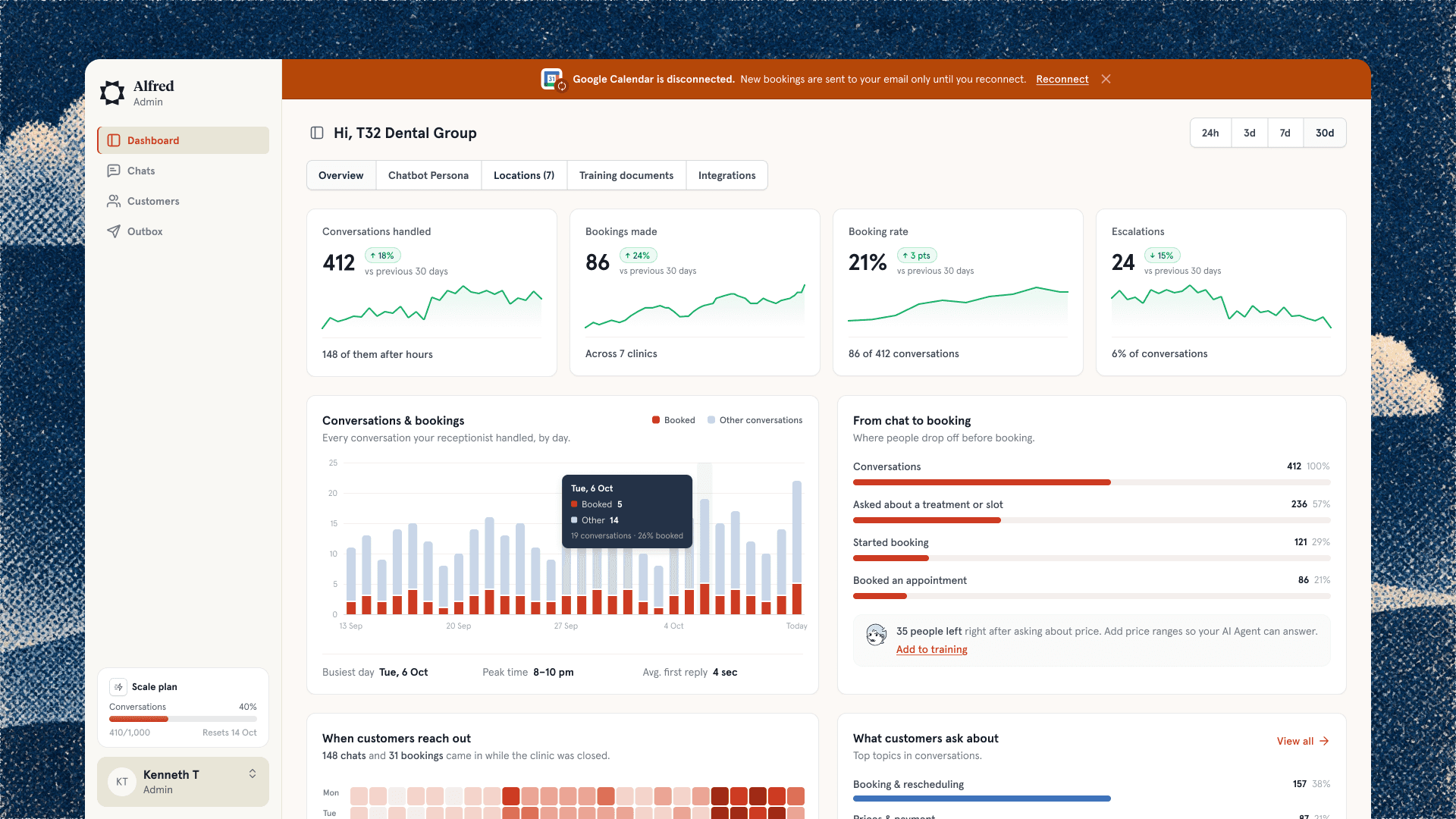
At 01 Digital we build AI agents for clients and for ourselves. An AI front desk that turns new leads into bookings. A CRM where agents suggest the next action for staff. Platform requests that can finish without a human in the loop.
Here’s the thing nobody tells you: the hard part of designing for AI agents is not the AI.
Agents fail quietly
When a button fails, you see an error. When an agent fails, nothing happens. Or worse, something happens and nobody notices until a customer complains.
So most of my design work goes into one question: how does a person know what the agent just did?
Show the receipt
Every action an agent takes needs a receipt. What did it say? What did it book? What did it decide not to do, and why?
A clear activity history sounds boring. It’s the most important screen in the product. It’s the screen that makes a business owner trust the agent with their customers.
Suggest first, act later
In the wellness club CRM I designed, the agents don’t just do things. They propose actions and staff approve them. Over time, as people trust the agent, you can let it do more on its own.
Trust is earned in small steps. Your UI should make those steps visible.
Tell people when they don’t need a human
On an internal platform, one request type can now finish automatically. The screen says it plainly: based on your answers, we can finish this without a human in the loop. People love that sentence. It turns “I’ll wait three days for a ticket” into “oh, done”.
The opposite matters too. When the agent needs a person, say so clearly and say who.
What clients actually asked for
Not “more AI”. They asked for fewer missed leads, faster replies and less admin. AI is just how we got there. When I design these products, I try to keep the AI in the background and the outcome in the front.